Azure Function (Python) Application Insights
This article explores configuring Application Insights for Python Azure Functions to achieve visual spans for individual function calls, enabling nested tracing for better insights into function behavior.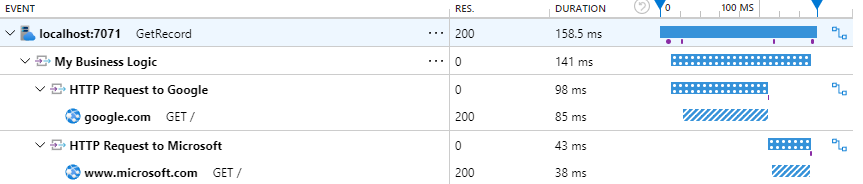
 With the rise of AI-powered applications, developers and organizations are increasingly looking to integrate large language models into their solutions. Azure OpenAI Service provides access to powerful models like GPT-4, Codex, and DALL·E, backed by Azure’s infrastructure. In this guide, we’ll walk you through provisioning Azure OpenAI resources using Pulumi, a modern Infrastructure as Code (IaC) tool that supports multiple languages including TypeScript, Python, Go, and C#.
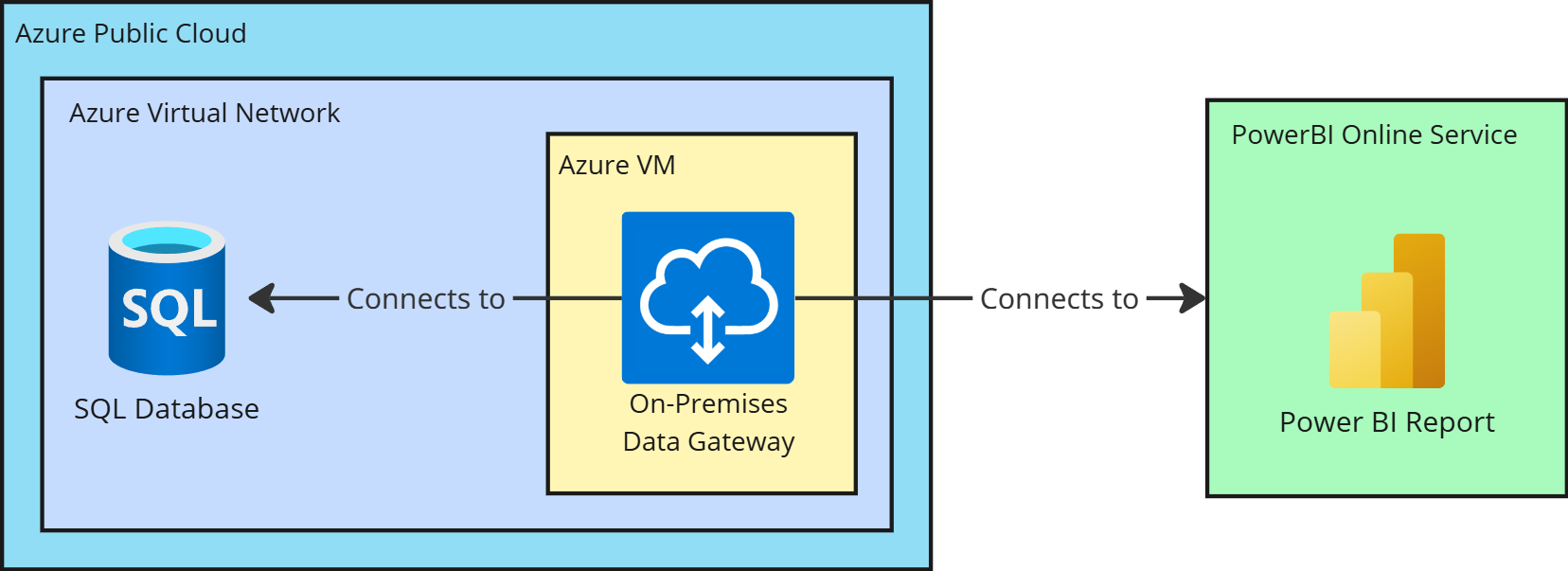 Microsoft Power BI Pro (the cloud service) often needs to query data that resides in secure, private networks. In our scenario, the data source is an Azure SQL Database deployed inside a private Azure Virtual Network with no public internet access. By default, Power BI’s cloud service cannot reach such isolated data sources directly. In this article, we will focus on the first solution, which is more flexible and allows for a wider range of data sources.
 With the release of AzureRM provider 4.9.0, the azurerm_storage_container resource deprecates the storage_account_name argument in favor of the storage_account_id argument. Updating your Terraform template to use storage_account_id directly will force Terraform to recreate the storage container, leading to potential data loss.
Here’s a step-by-step guide to safely update your configuration without losing data in the storage container.
With the release of AzureRM provider 4.9.0, the azurerm_storage_container resource deprecates the storage_account_name argument in favor of the storage_account_id argument. Updating your Terraform template to use storage_account_id directly will force Terraform to recreate the storage container, leading to potential data loss.
Here’s a step-by-step guide to safely update your configuration without losing data in the storage container.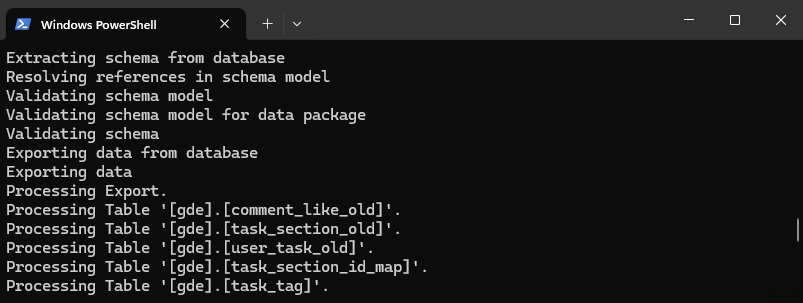 Exporting an Azure SQL Server database locally is a common task for developers and administrators who need to create backups, test changes, or migrate databases to other environments. If your SQL Server instance is configured with Entra ID (formerly Azure AD) authentication, you might face an issue connecting to the database with username and password from the command line tool like SqlPackage.
In this guide, I’ll walk you through the process of exporting an Azure SQL Server database to your local windows machine using Powershell, SqlPackage tool and Azure SQL Server with Entra ID authentication.
Exporting an Azure SQL Server database locally is a common task for developers and administrators who need to create backups, test changes, or migrate databases to other environments. If your SQL Server instance is configured with Entra ID (formerly Azure AD) authentication, you might face an issue connecting to the database with username and password from the command line tool like SqlPackage.
In this guide, I’ll walk you through the process of exporting an Azure SQL Server database to your local windows machine using Powershell, SqlPackage tool and Azure SQL Server with Entra ID authentication. I was always thinking about Azure Resource Groups as a Logical container for resources that helps in managing and organizing resources in Azure. But it appears that there are some limitations that I was not aware of.
 I was recently working on a project that required me to create a Terraform pipeline in Azure DevOps. I had never done this before, so I had to do some research to figure out how to set it up. In this article, I will share the final pipeline that I created, as well as some of the resources that I found helpful along the way.
 I recently had an issue deploying Python 3.10 Azure Function on App Service Plan. The error message was:
9:38:43 AM myfunc: Deployment successful. deployer = ms-azuretools-vscode deploymentPath = Functions App ZipDeploy. Extract zip. Remote build.
9:38:56 AM myfunc: Syncing triggers...
9:39:50 AM myfunc: Syncing triggers (Attempt 2/6)...
9:40:51 AM myfunc: Syncing triggers (Attempt 3/6)...
9:42:01 AM myfunc: Syncing triggers (Attempt 4/6)...
9:43:01 AM myfunc: Syncing triggers (Attempt 5/6)...
9:45:12 AM myfunc: Syncing triggers (Attempt 6/6)...
9:45:33 AM: Error: Encountered an error (ServiceUnavailable) from host runtime.
Here is my investigation and solution.
 In the realm of software development, the utility of comments in code has long been a subject of debate. Traditionally, many have held the belief that high-quality code should speak for itself, rendering comments unnecessary. This viewpoint advocates for self-explanatory code through well-named variables, functions, and classes, and a logical assembly of the code structure. However, the advent of AI-assistants like GitHub Copilot is challenging this notion, ushering in a new perspective on the role of comments in coding. In this blog post, we’ll explore how AI is reshaping our approach to commenting, transforming it from a tedious task to an integral part of the coding process.
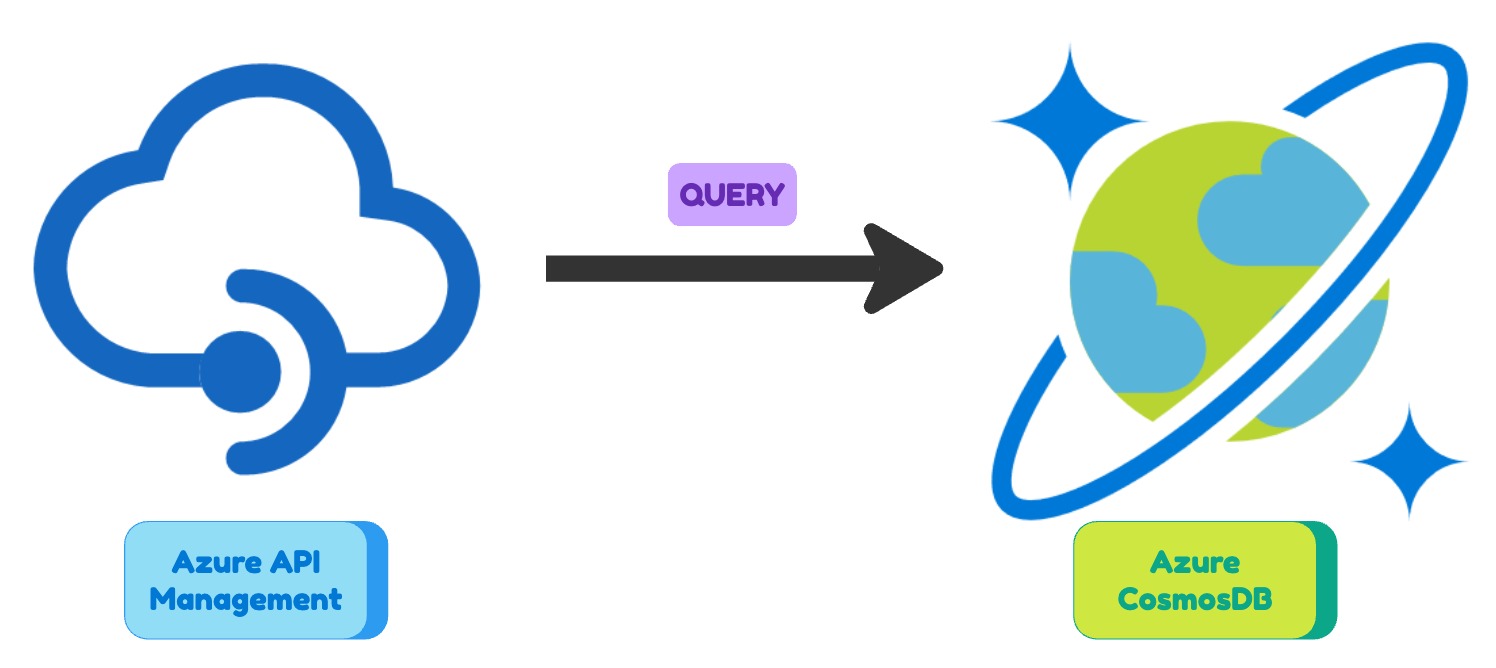 In my previous posts I have showed you how to connect Azure API Management to Azure Service Bus and Azure API Management to Azure Storage account. In this post I will show you how to connect Azure API Management to Azure Cosmosdb.
 Running a React frontend web application on an Azure Storage account is a great way to host your app with a low cost and high scalability. In this post, we’ll go through the steps of setting up a new Azure Storage account and deploying your React app to it.
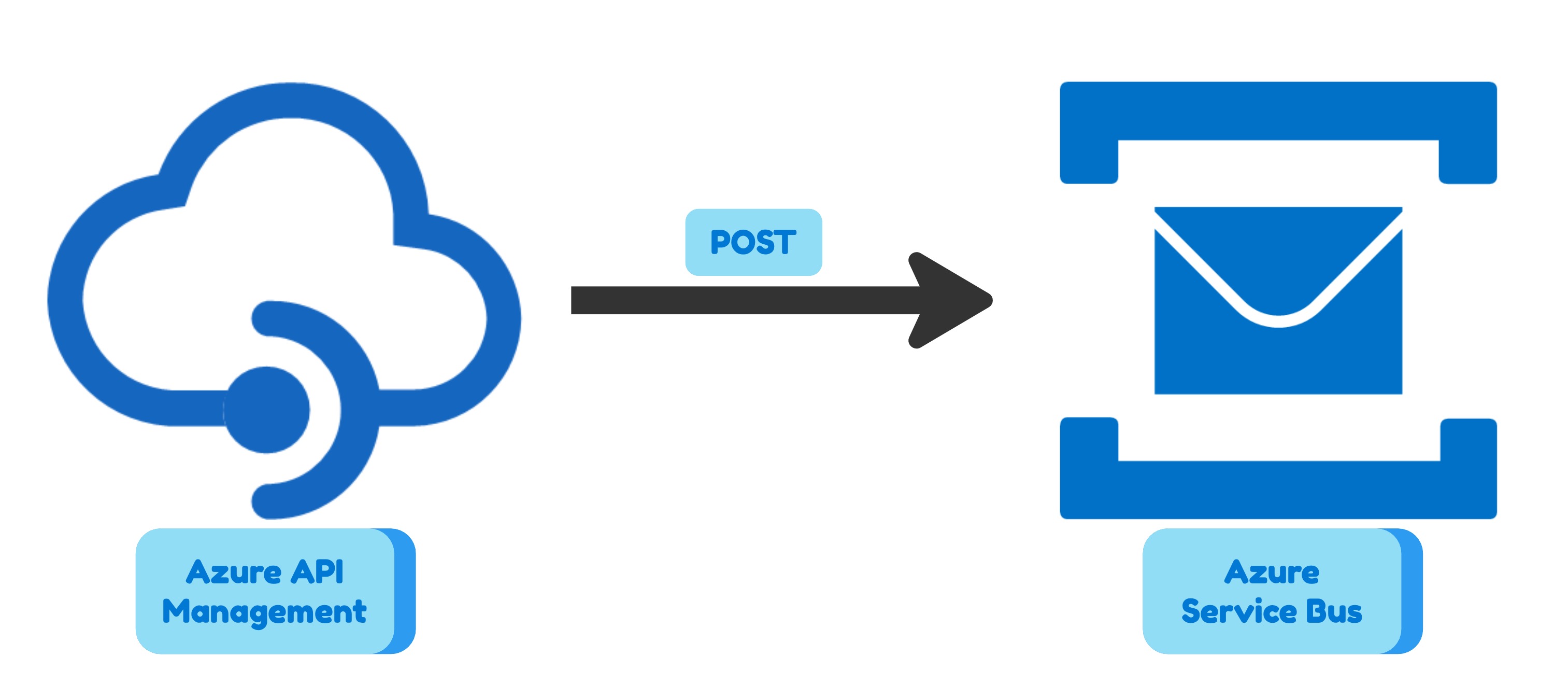 In my previous post I showed how to use Azure API Management to expose an Azure Storage Account. In this post I will show how to use Azure API Management to expose an Azure Service Bus.
This combination is useful when you have a fire and forget HTTP endpoint and you expect irregular traffic. For example, you are designing a mobile application crash reporting system. You want to send the crash report to the server and forget about it. You don’t want to wait for the response. You don’t want to block the user interface. You don’t want to retry if the server is not available. It might happen that a new mobile app version has a significant bug and you get a lot of crash reports. In this case, it is reasonable to use Azure Service Bus to queue the crash reports for peak times and process them later.
As in my previous post, I will use a scenario with two brands (Adidas and Nike) to show you the flexibility of the combination Azure API Management plus Azure Service Bus. I will also define everything in Terraform so the solution deployment is fully automated.
In my previous post I showed how to use Azure API Management to expose an Azure Storage Account. In this post I will show how to use Azure API Management to expose an Azure Service Bus.
This combination is useful when you have a fire and forget HTTP endpoint and you expect irregular traffic. For example, you are designing a mobile application crash reporting system. You want to send the crash report to the server and forget about it. You don’t want to wait for the response. You don’t want to block the user interface. You don’t want to retry if the server is not available. It might happen that a new mobile app version has a significant bug and you get a lot of crash reports. In this case, it is reasonable to use Azure Service Bus to queue the crash reports for peak times and process them later.
As in my previous post, I will use a scenario with two brands (Adidas and Nike) to show you the flexibility of the combination Azure API Management plus Azure Service Bus. I will also define everything in Terraform so the solution deployment is fully automated.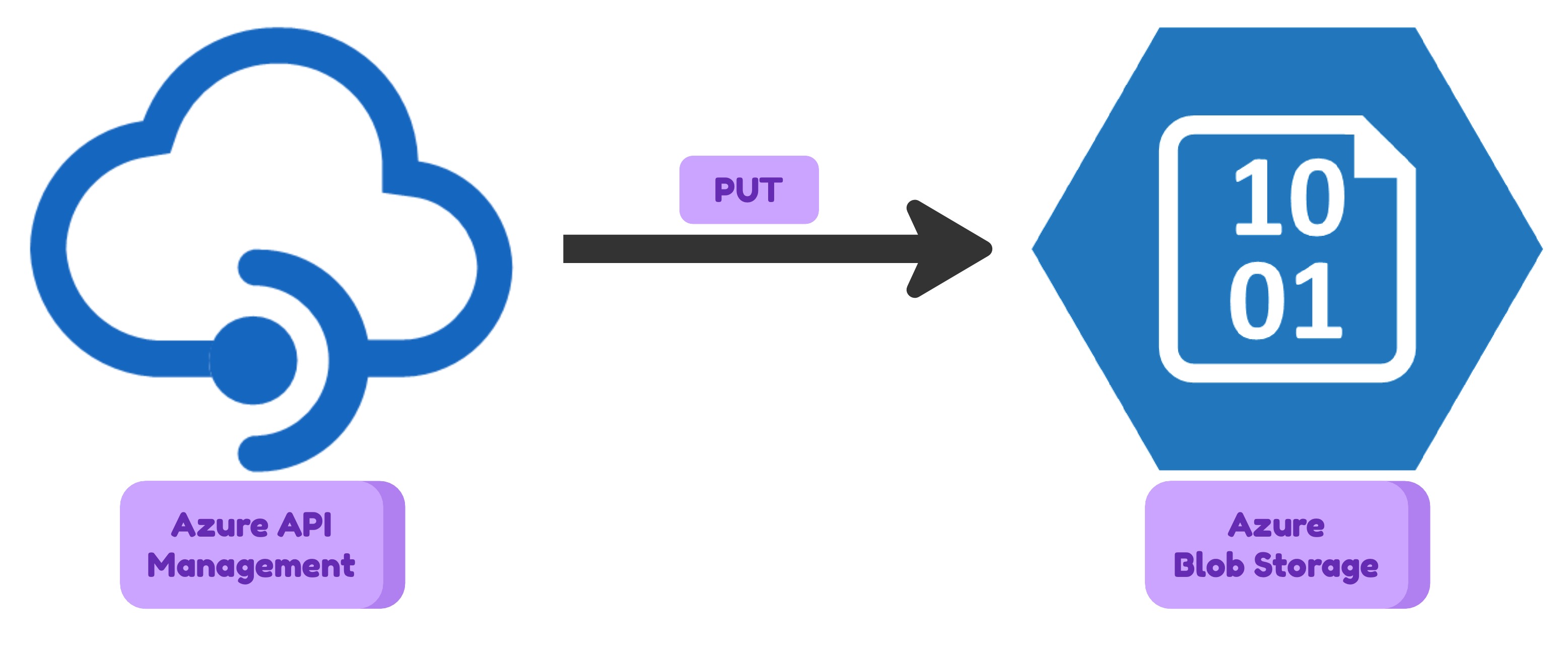 There can be the case when you need to upload a file or metadata to Azure Storage Account from an application which is outside of your cloud infrastructure. You should not expose your storage account to the internet for that purpose. There are many reasons for that: securuty, flexibility, monitoring etc. The natural solution to acheave the goal is to use something in between of your Azure Storage Account and the public internet. Some kind of HTTP proxy that will manage user authentication, do some simple validations and then pass the request to Storage Account to save the request body data as a blob. Azure API Management is a perfect candidate for that role. It is a fully managed service that means you don’t need to create any custom application. It is highly available and scalable. It has a lot of features that can be used for your needs.
In this article I will show how to configure Azure API Management to upload a file to Azure Storage Account.
There can be the case when you need to upload a file or metadata to Azure Storage Account from an application which is outside of your cloud infrastructure. You should not expose your storage account to the internet for that purpose. There are many reasons for that: securuty, flexibility, monitoring etc. The natural solution to acheave the goal is to use something in between of your Azure Storage Account and the public internet. Some kind of HTTP proxy that will manage user authentication, do some simple validations and then pass the request to Storage Account to save the request body data as a blob. Azure API Management is a perfect candidate for that role. It is a fully managed service that means you don’t need to create any custom application. It is highly available and scalable. It has a lot of features that can be used for your needs.
In this article I will show how to configure Azure API Management to upload a file to Azure Storage Account.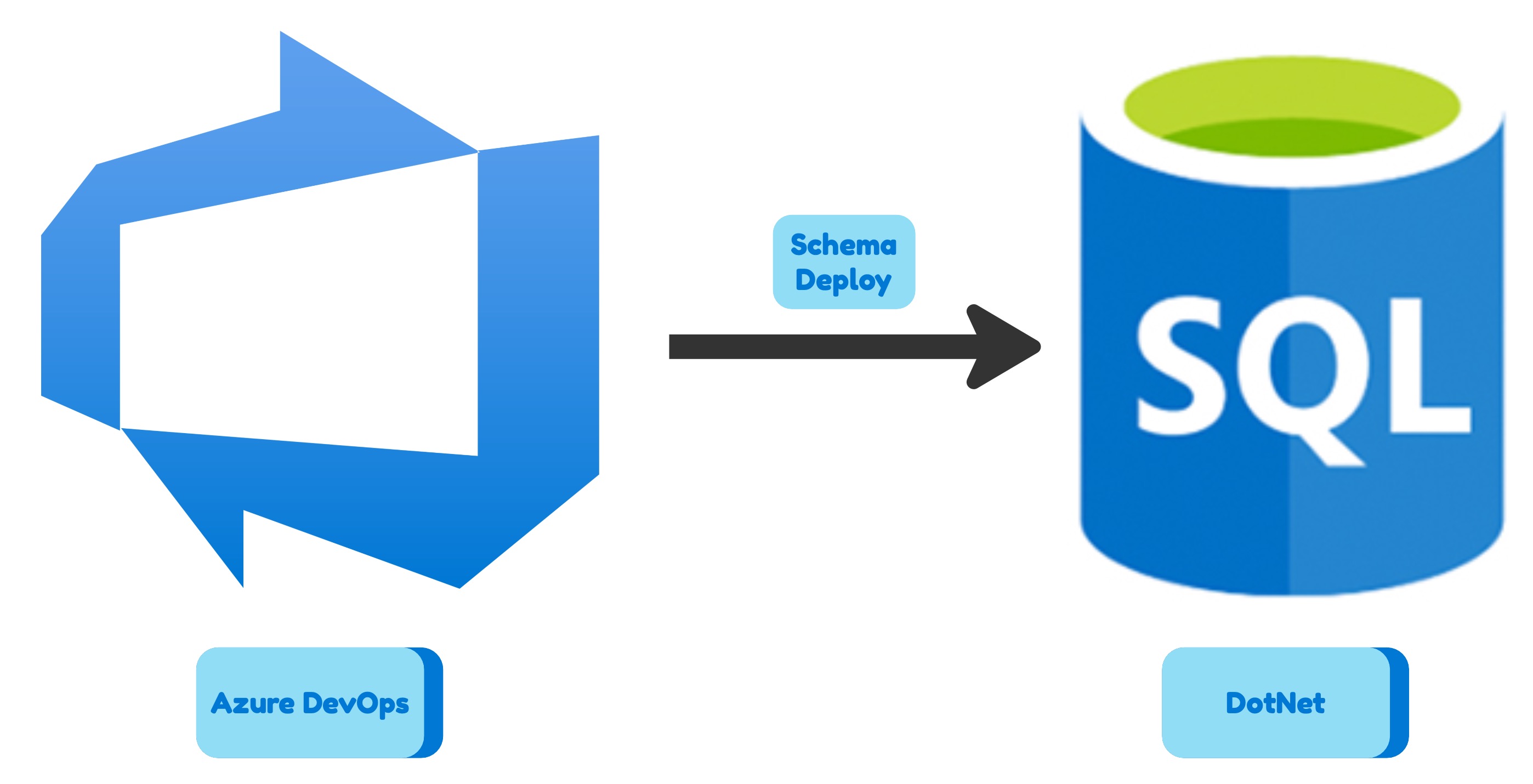 Have you ever tried to deploy a Microsoft SQL database schema to Azure SQL using a linux-based CI/CD pipeline? If you did, you probably know that it is not a trivial task. The reason is that the Microsoft.Data.Tools.Msbuild package is not available for linux. The package contains MSBuild targets and properties that are used to build and deploy database projects. The package is a part of SQL Server Data Tools (SSDT) and it is not available for linux. So if you want to deploy a database schema to Azure SQL using a linux-based CI/CD pipeline you need to use a different approach. In this article we will see how to deploy a Microsoft SQL database schema to Azure SQL using any linux-based CI/CD pipeline (Gitlab, GitHub, Azure DevOps, etc).
 Consumption plan is the cheapest way to run your Azure Function. However, it has some limitations. For example, you can not use Web Deploy, Docker Container, Source Control, FTP, Cloud sync or Local Git. You can use External package URL or Zip deploy instead. In this article I will show you how to deploy Python Azure Function Programming Model v2 App to Linux Consumption Azure Function resource using Zip Deployment.
 Consumption plan is the cheapest way to run your Azure Function. However, it has some limitations. For example, you can not use Web Deploy, Docker Container, Source Control, FTP, Cloud sync or Local Git. You can use External package URL or Zip deploy instead. In this article I will show you how to deploy Dotnet Isolated Azure Function App to Linux Consumption Azure Function resource using Zip Deployment.
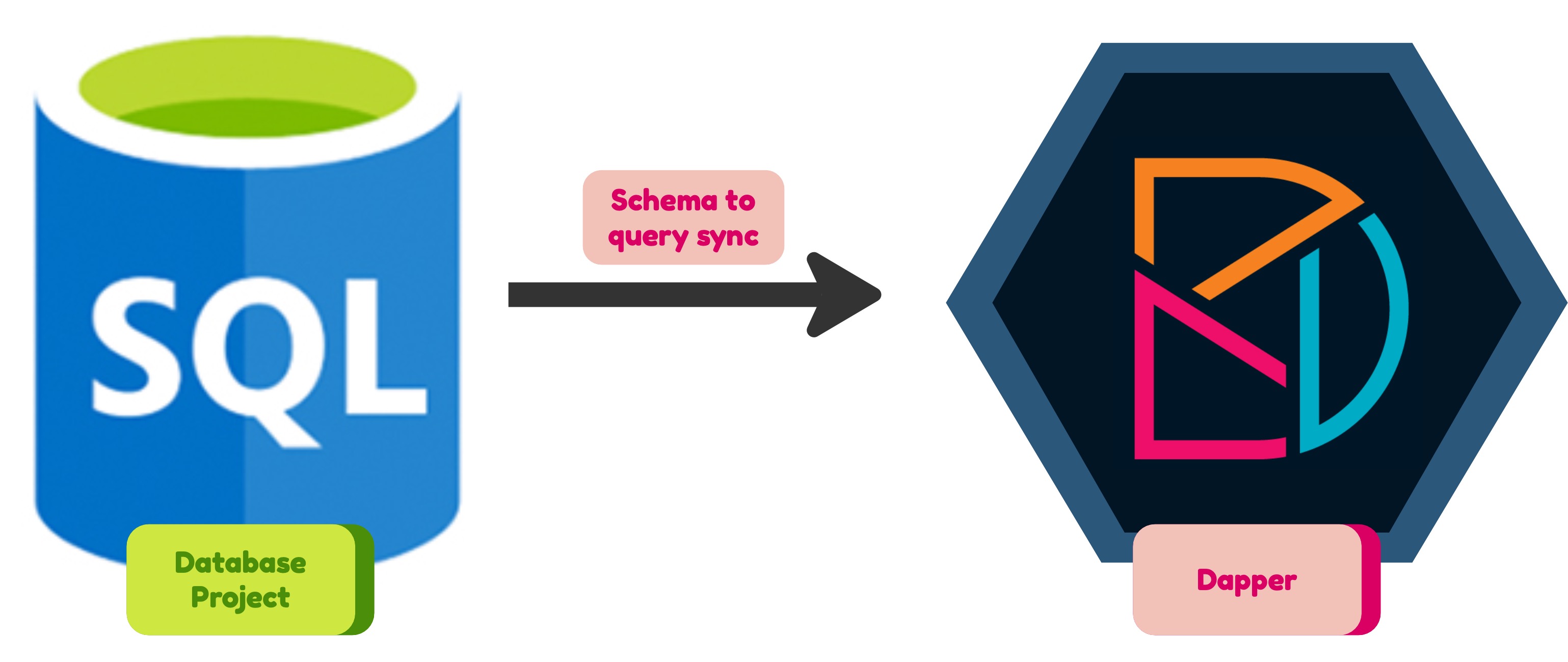 Dapper is a MicroORM that allows you to control SQL queries you are executing and removes the pain of mapping the dataset results back to your domain model. The thing is that when you specify SQL queries you have to make sure they are valid against the current Database schema. One solution is to use Stored Procedures… other one is this…
bash sudo mkfs.ext4 /dev/sde1 -T largefile4 -m 0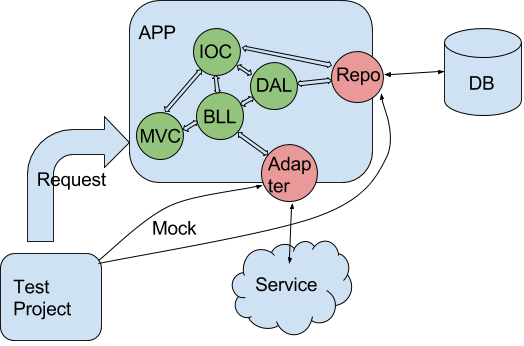 When you develop an ASP.NET MVC application you should test it anyway. You can cover different parts of your application logic with unit tests or you can create tests that look like user interaction scenarios. These tests have several advantages over unit tests:
yourservicename.cloudapp.net. Also public IP address is not static that means you can’t use ‘A’ DNS record on it.